
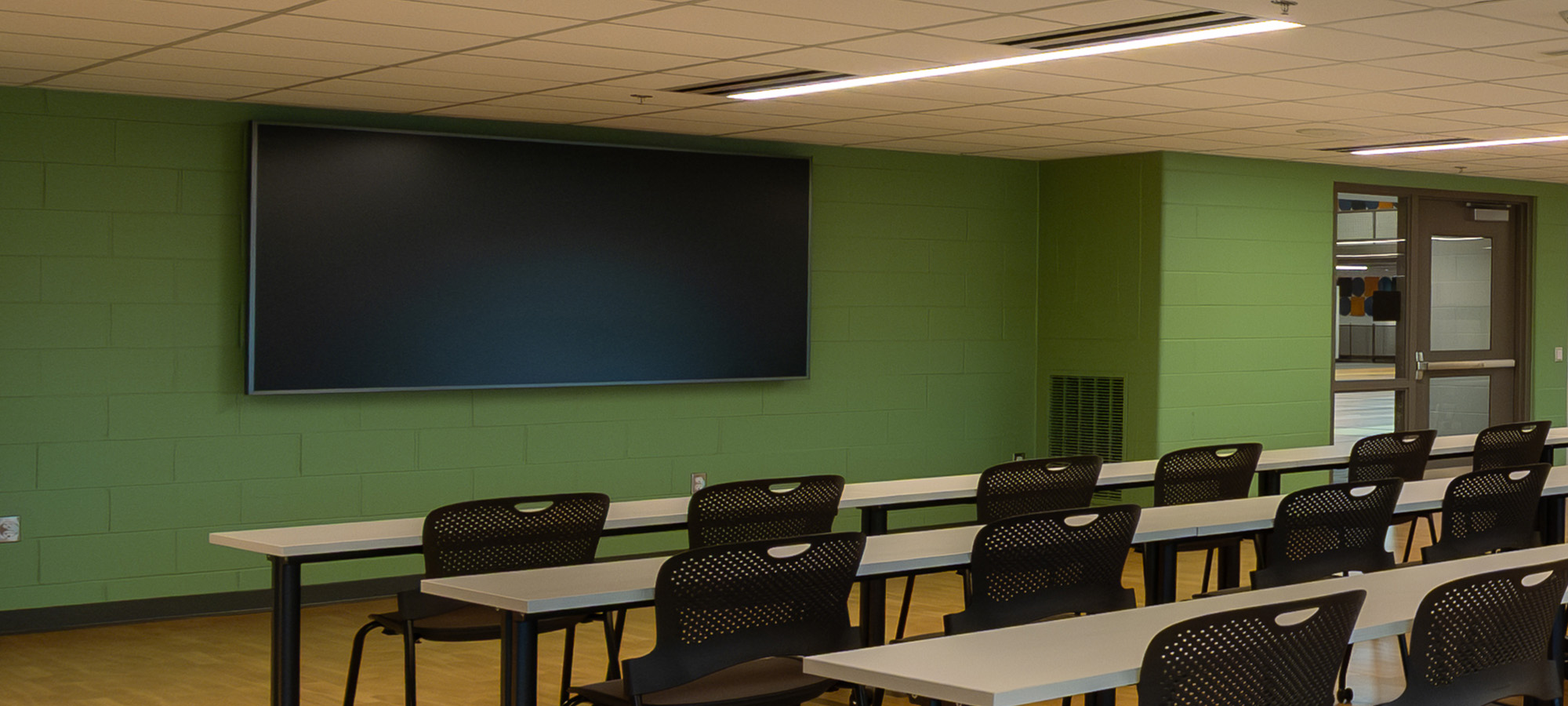
Welcome to the Holland Charter Township Community Center! This guide explains how to use the touch panel to run Bluetooth audio, choose video inputs, adjust sound, and combine/separate rooms.
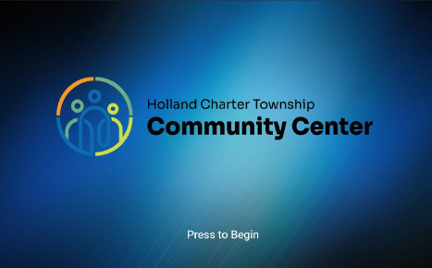
1. Tap Press to Begin on the welcome screen.
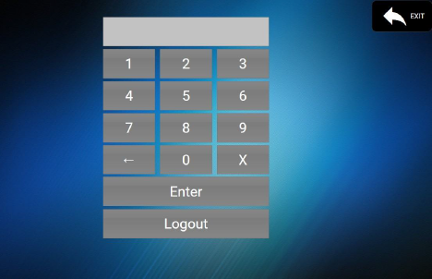
2. If prompted for a code, enter 1234 for regular operation and tap Enter.
(Use 5678 only if you need Manual Room Setup.)
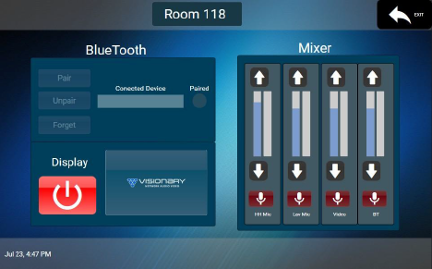
3. Use the bottom icons to switch between Microphone (Mixer), Display (Video), and Bluetooth screens.
Go to Mixer. Adjust sliders for: HH Mic (handheld), Lav Mic, Video, BT (Bluetooth).
Mute buttons turn red when muted. Tap again to unmute.
Tip: If video is showing but you don’t hear it, raise the Video channel and make sure it isn’t muted.
Open the Bluetooth screen, tap Pair, and choose the room system from your phone’s Bluetooth list.
Once connected, play audio from your device; adjust volume on the Mixer (channel BT).
To switch users: Unpair (disconnect) or Forget (remove from saved list), then the next user taps Pair.
Use this only if your event requires changing how rooms share audio/video.
Please note: If the wall partitions are closed, audio and video cannot be combined across all three spaces.
12343 James Street
Holland, MI 49424
Hours: Monday-Friday 7am to 9:30pm
Saturday 7am to 4pm
Give us a call:
616-796-9798